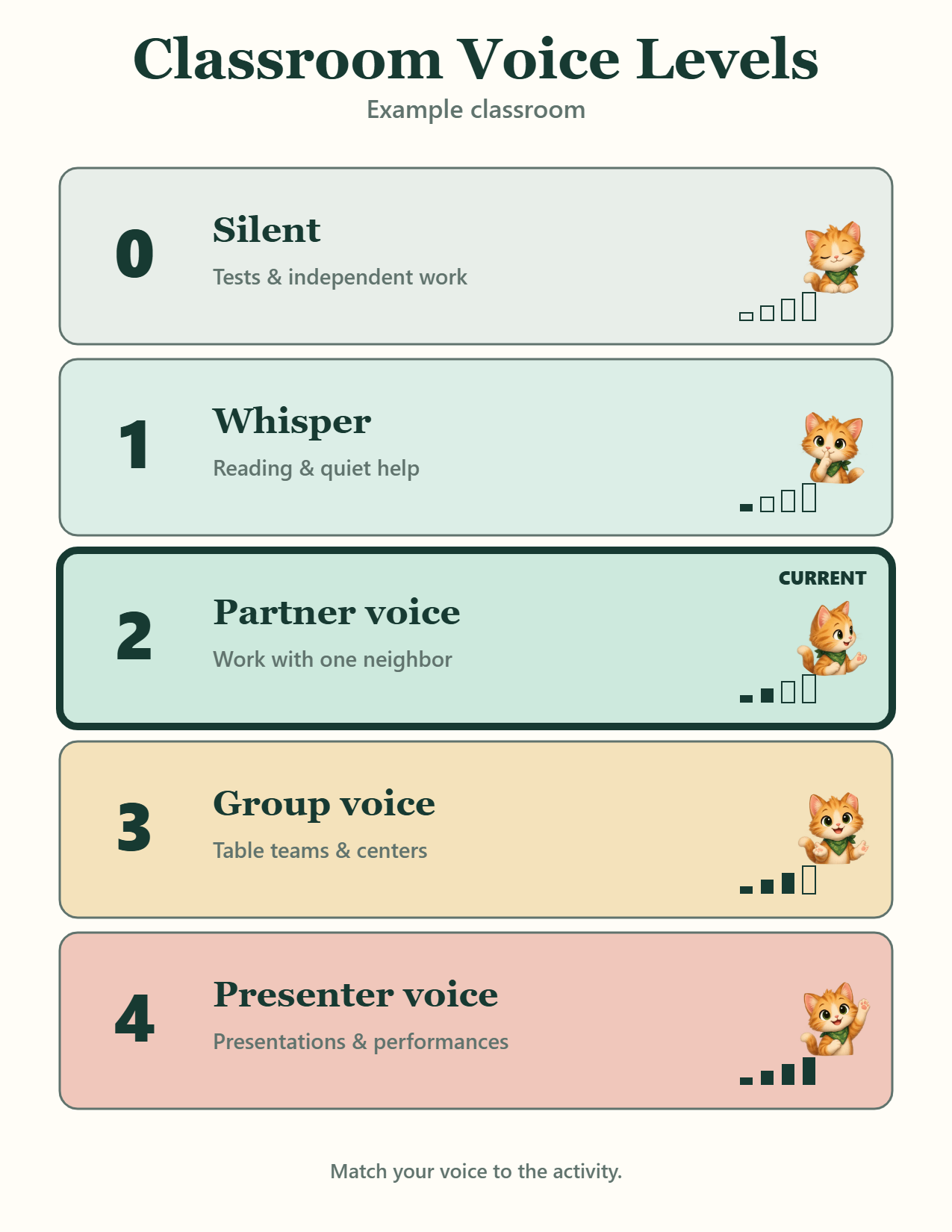
Wall poster · all levels
Full-page reference poster displaying all five voice levels simultaneously (0 Silent through 4 Presenter voice). Suitable for whole-room wall display and quick anchor reference.
13 designs · Letter & A4 PDF · no signup
Quick download: simple Letter PDFFree classroom voice levels
Use a ready 0-4 PDF, choose the push-light printable, or open the current-level display before students start partner work, group work or presentations.
Tap a chart to preview it, then download Letter, A4 or PNG. The Voice Level Lights design includes spaces for push lights, magnets or a board marker.
Showing all 13 free printable voice level charts.
Level 1 is usually a whisper. Customize the labels for CHAMPS, fewer levels or your school’s own language. Use the CHAMPS chart maker when you also need help, movement and participation expectations for the activity.
Our classroom
Real chart downloads
Preview and download actual exported charts using a standard 0–4 elementary routine with Cozy Kittens artwork. Each example reflects school-defined voice expectations rather than measured sound decibels.
Full-page reference poster displaying all five voice levels simultaneously (0 Silent through 4 Presenter voice). Suitable for whole-room wall display and quick anchor reference.
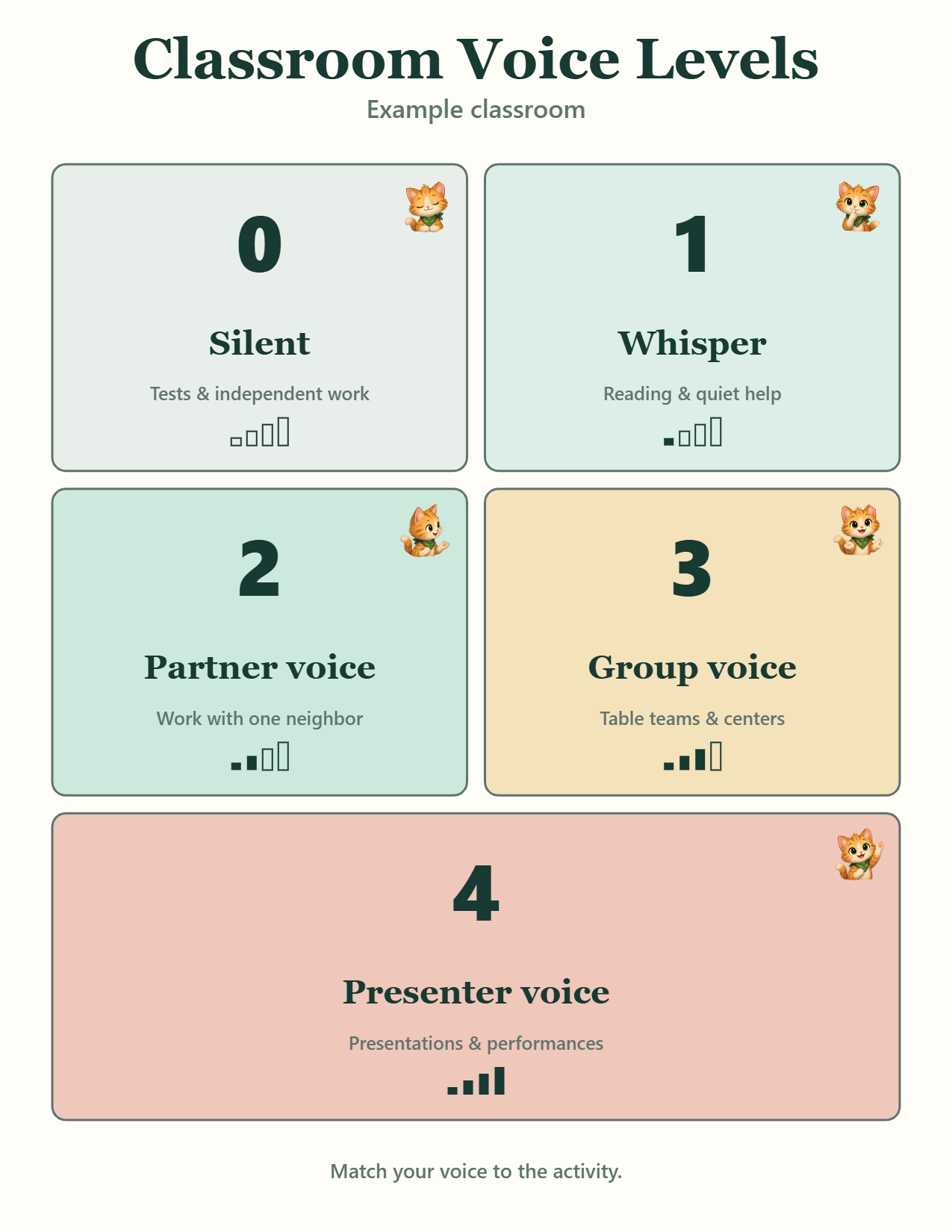
Two-column card sheet ready to cut into individual level cards for small-group tables, reading caddies, or pocket chart displays during rotation routines.
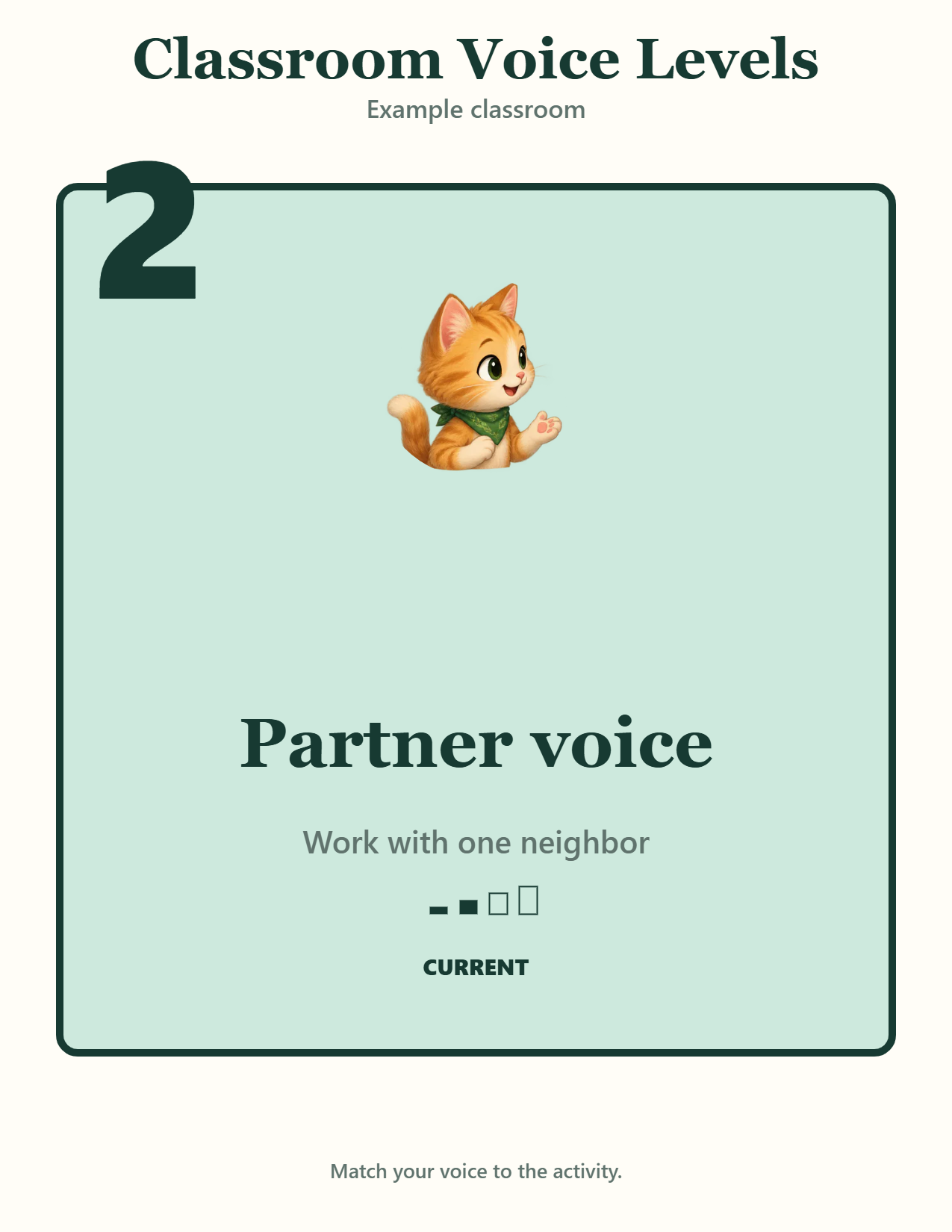
Focal sign highlighting Level 2 (Partner voice · Work with one neighbor). Present in the customizer opens a full-screen browser display suitable for projector or interactive board display without physical printouts.
Note on expectations: Voice levels define agreed school and classroom expectations rather than measured sound decibels. For real-time ambient noise feedback, use the free browser Classroom Noise Meter.
A common 0–4 scale is silent, whisper, partner voice, group voice and presenter voice. Level 1 usually means a whisper for one nearby person.
Yes. Start with an age-based setup, Español or real-world modes, then edit every label. Your setup is saved locally without an account.
Yes. Early years uses three simple levels, while Middle + high uses four neutral, task-based modes.
Yes. Download a ready-made Letter or A4 PDF, choose the push-light printable, or open the customizer for wall posters, cut-apart cards and a current-level sign.
Yes. Present the custom chart, then tap 0–4 or use the number keys to change the highlighted level.
Yes. The customizer creates an ad-free interactive embed that keeps your wording, style and current level.
No. This page never requests microphone access. Use the separate Classroom Noise Meter for a live relative sound signal.